FileUploadGPT Features
FileUploadGPT is designed to do one thing exceptionally well: let you upload large files to ChatGPT without any hassle. Here's everything our Chrome extension offers.
Unlimited File Size Uploads
ChatGPT's native file upload has strict size limitations that can interrupt your workflow. With FileUploadGPT, those limitations are gone.
Our extension intelligently processes your large files by breaking them into optimized chunks that ChatGPT can handle seamlessly. The result? You can upload documents of virtually any size — whether it's a 100-page PDF report, a massive codebase, or a comprehensive dataset.
How it works: When you upload a large file, FileUploadGPT automatically splits it into manageable pieces and sends them sequentially to ChatGPT, maintaining context across all chunks. ChatGPT then processes your entire document as if it were uploaded as a single file.
- Upload PDFs over 50MB
- Process entire codebases at once
- Analyze lengthy research papers
- Work with large datasets seamlessly
One-Click Upload Interface
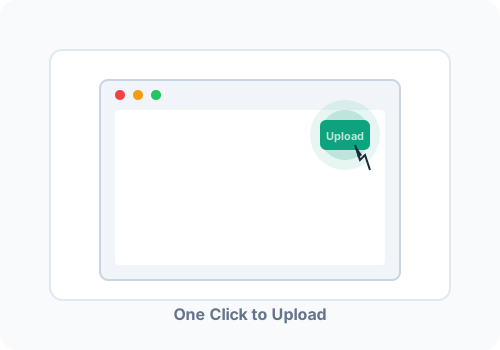
We believe tools should be simple. That's why FileUploadGPT requires just one click to upload any file to ChatGPT.
Once installed, you'll see the FileUploadGPT icon directly in your ChatGPT interface. Click it, select your file, and you're done. No complex settings, no configuration menus, no learning curve.
The experience:
- Click the FileUploadGPT icon in ChatGPT
- Select your file from the file browser
- Watch as your content appears in ChatGPT
- Start chatting with your uploaded content
The entire process takes less than 10 seconds, even for large files.
Broad File Type Support
FileUploadGPT works with all the file types you use daily.
PDF Documents
Upload PDF reports, research papers, ebooks, manuals, and more. Text is extracted cleanly for ChatGPT to analyze.
Word Documents (DOCX)
Microsoft Word files are fully supported. Upload contracts, proposals, essays, and any .docx file.
Code Files
JavaScript, Python, Java, C++, and more. Upload entire source files for code review, debugging, or documentation.
Plain Text & Markdown
TXT and MD files work seamlessly. Perfect for notes, documentation, READMEs, and plain text content.
Data Files (CSV, JSON)
Upload structured data for analysis. ChatGPT can help you understand patterns, clean data, and generate insights.
HTML Files
Web pages and HTML documents. The text content is extracted cleanly, making it easy to analyze web content.
Privacy-First Architecture
Your files are yours. Period. FileUploadGPT was built with privacy as a core principle, not an afterthought.
Here's our privacy commitment:
- ✓ Local Processing: All file parsing happens in your browser. Your files never touch our servers.
- ✓ No Data Collection: We don't collect, store, or analyze your files or their contents.
- ✓ No Third-Party Sharing: Your data is never shared with anyone. It goes directly from your browser to ChatGPT.
- ✓ Open Permissions: We only request the minimum browser permissions needed to function.
When you use FileUploadGPT, your file content is processed entirely within your browser and then sent directly to ChatGPT. We never see it, we never store it, and we never have access to it.
Read Our Privacy Policy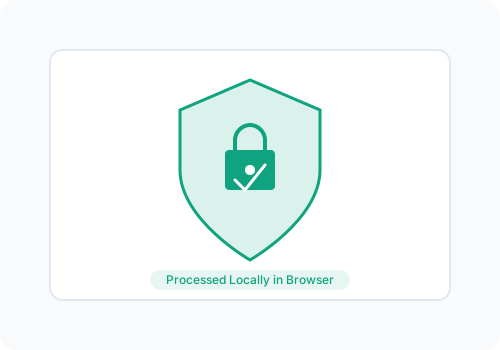
Instant Installation, Zero Configuration
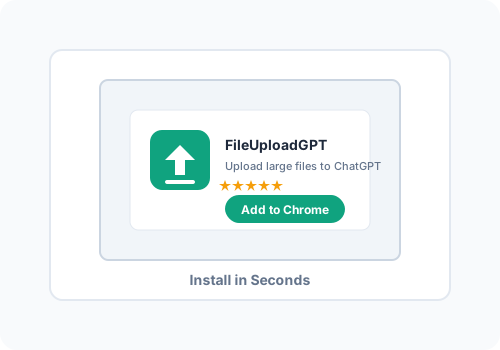
FileUploadGPT is ready to use the moment you install it. There's no account to create, no settings to configure, and no tutorial to complete.
What you don't need:
- — No account creation
- — No email verification
- — No API keys
- — No configuration menus
- — No payment information
Just click "Add to Chrome," open ChatGPT, and start uploading. It really is that simple.
Regular Updates & Compatibility
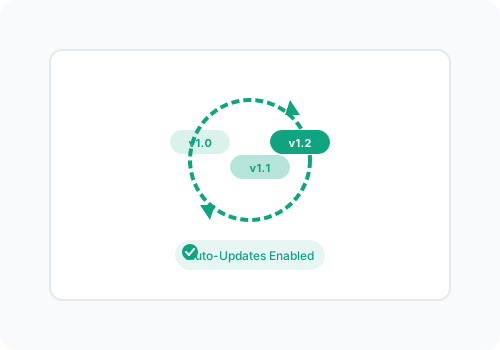
ChatGPT's interface evolves, and so does FileUploadGPT. We're committed to maintaining compatibility with ChatGPT's latest features and design changes.
When OpenAI updates ChatGPT's interface, we update FileUploadGPT to match. You'll never have to worry about the extension breaking after a ChatGPT update.
Our commitment:
- Rapid response to ChatGPT interface changes
- Continuous improvement based on user feedback
- Transparent changelog for all updates
- Backwards compatibility with older Chrome versions
Ready to Experience These Features?
Install FileUploadGPT and start uploading large files to ChatGPT in seconds. It's completely free.
Works on Chrome, Edge, Brave, and other Chromium browsers